

Now on Windows and macOS

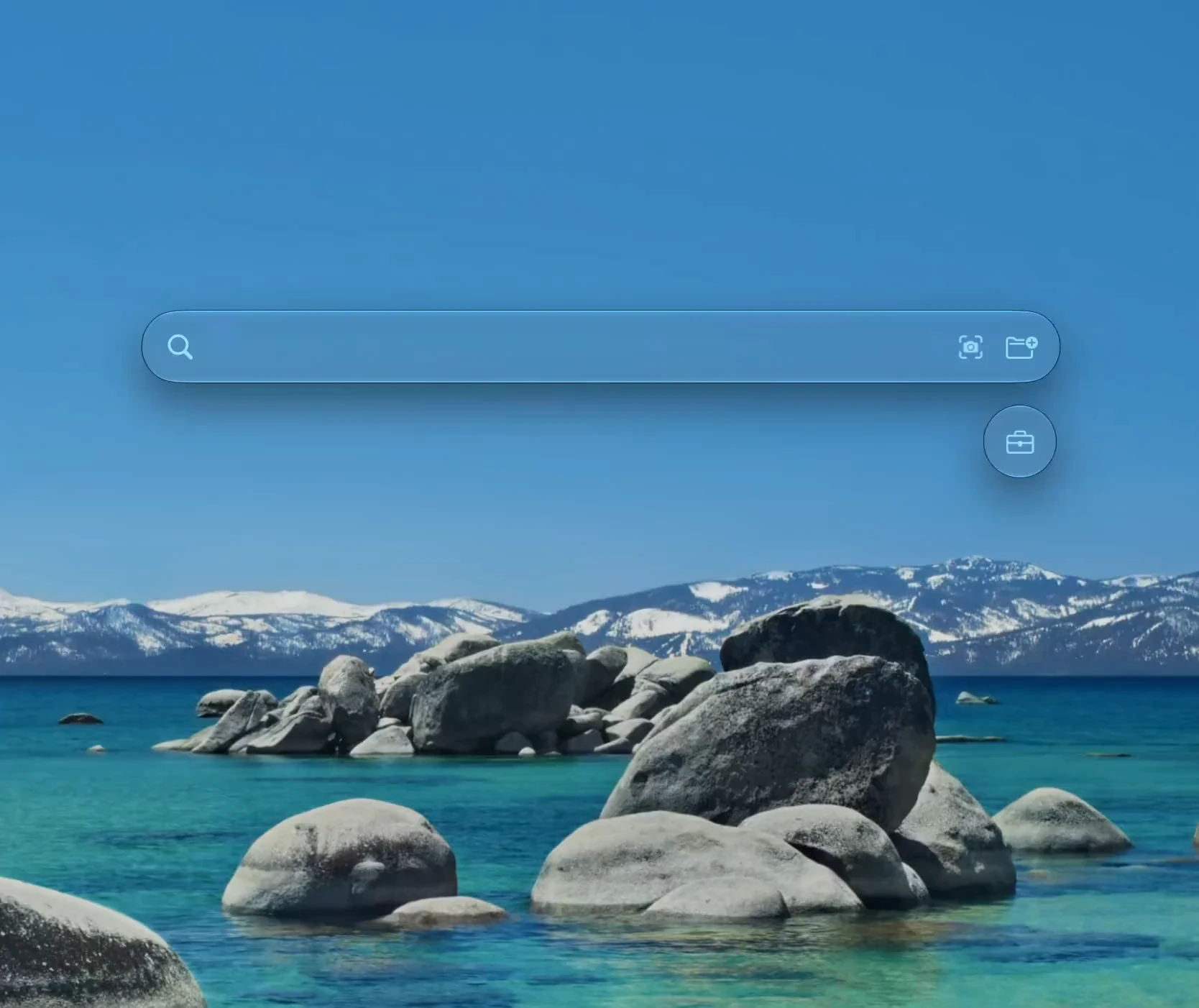
HEFTY Hefty Search: search photos, videos, audio and documents on Mac and Windows by describing them.

Describe what you remember, a photo, a scene in a video, a line someone said, a phrase in a document, and find it in an instant. On Mac and Windows, fully on-device.

14-day free trial. No account. Totally offline.
REEL 01
FIG. 01 THE PREMISE

Your computer already knows what is in your files. Nobody ever thought to ask it.

FIG. 02 FOUR READERS

Four ways of reading. One place to ask.

01

Photos

Describe the picture. Or drop one in and every match appears.

JPG · PNG · HEIC · RAW
02

Video

A hit lands on the moment it happens, not on the file.

MP4 · MOV · MKV · AVI
03

Audio

Search the words spoken in a clip or a voice memo.

MP3 · WAV · M4A · AAC
04

Documents

PDFs, Word, slides, spreadsheets, ebooks. Found by what is written inside.

PDF · DOCX · PPTX · XLSX · EPUB
FIG. 03 THE PANEL

One shortcut. Six moves. No windows to manage.

  1. 01

    The panel

    Appears on the screen you're actually using, exactly when you need it. Right place, right time.

  2. 02

    Filter tags

    Type a kind, press Tab. The search narrows to exactly what you meant. Quick, clean, done.

  3. 03

    Result rows

    Results grouped by kind, browsed sideways.

  4. 04

    Moments

    One clip, several hits, each with its own thumbnail. Every moment, one tap away.

  5. 05

    The Backpack

    Drop files in, they wait for you. Take them anywhere, whenever.

  6. 06

    Preview macOS only

    Press Space for an instant look. See the file before you open it. That's the whole trick.

01 / PANEL 02 / FILTER TAG PHOTOS VIDEO 03 / ROWS 04 / MOMENTS 05 / BACKPACK 06 / SPACE
Hover 05 to open the Backpack.
FIG. 04 THE EDGE

Nothing to opt out of.

No cloud, no account, no telemetry. Switch on airplane mode and nothing changes.

Our servers never see your files. We don’t even have any.

Inside

  • Your filesread where they sit
  • Your searchesnever recorded
  • The indexa local file you can delete

Outside

  • A licence checkthe entire list
FIG. 05 THREE CLAIMS

Fast

Rudely so.

The one you want from thousands and thousands of files coming in as you type. Try it for yourself and you’ll know.

Tidy

It touches nothing.

Nothing moved, renamed or duplicated. Point it at a folder, remove it in one click.

Quiet

Not a peep.

No popups, no nudges. Just ready for your and only your command.

FIG. 06 PRICES

Fourteen days, free.Then pick a shape.

MonthlyFlexible
$4.99
billed monthly
  • Every feature, unlocked.
  • One machine per license.
  • Cancel any time.
No commitment
AnnualSave 40%
$2.99
a month, $35.88 billed yearly
  • Every feature, unlocked.
  • One machine per license.
  • Cancel any time.
Best value
Lifetime
$199 $99.99
one payment, yours forever
  • Every feature, forever.
  • One machine per license.
  • No renewals, ever.
Free updates

Prices in USD. Nobody follows up.

FIG. 07 QUESTIONS
Does anything ever leave my computer?
No. Indexing and search both run on your machine. Your files, paths and search queries never leave your computer, and airplane mode changes nothing.
What can it search?
Photos, videos, audio including the words spoken in it, and documents from PDF through EPUB, around 27 file formats in total.
Will it slow my computer down?
Only the first index pass is demanding, and it is optimized to stay light. After that Hefty Search sits idle until you press the shortcut, and only touches files that are new or changed. Indexing pauses whenever you say so.
How big a library can it handle?
It’s built for real camera rolls: tens of thousands of photos, videos and documents, answered as you type.
Does it move or rename my files?
Never. It reads the folders you choose, in place. Nothing is moved, renamed, duplicated or uploaded, and you can remove a folder from the index in one click.
Does it work offline?
Yes. The AI models ship inside the app and run on your own hardware, so indexing and search work with the Wi-Fi switched off.
Which platforms does it run on?
macOS and Windows 10/11. One licence covers both. The Windows version is on the Microsoft Store; the Mac version is sold directly from this site.
What if I lose my licence key?
Lost your licence key? Email contact@heftysearch.app from the address you purchased with. If you can show significant proof that it was genuinely lost through no fault of your own, we’ll reissue it for free.
FIG. 08 GET IT

Stop naming files for a search that never read them.

macOS Windows Free for 14 days